
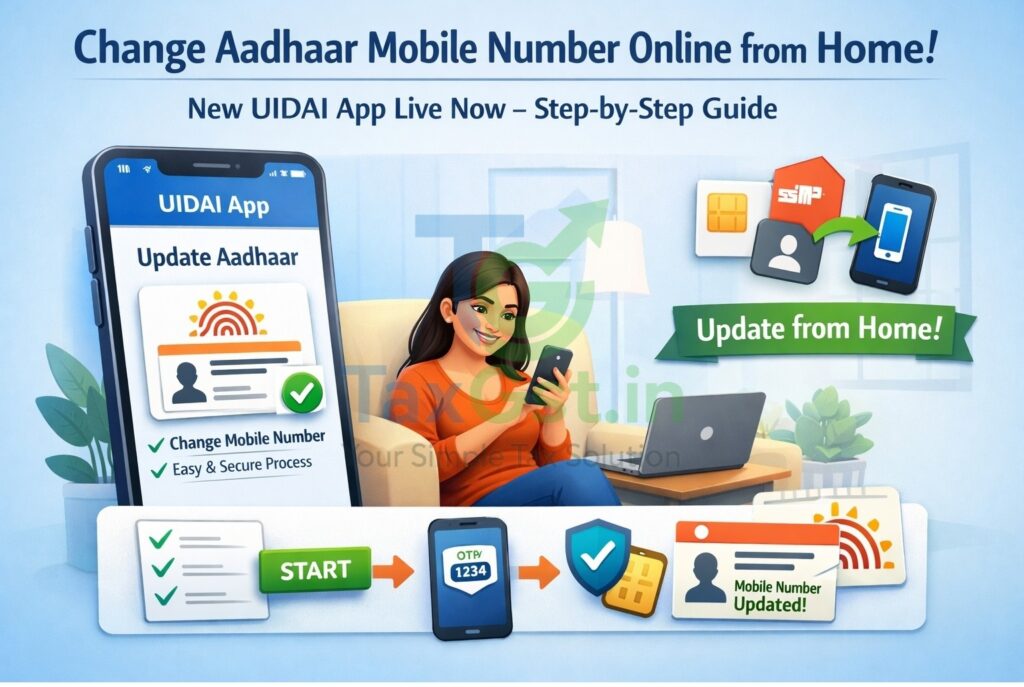
In a major relief for millions of Indian citizens, the Unique Identification Authority of India (UIDAI) has officially launched a new Aadhaar mobile application that allows you to update your registered mobile number online. Gone are the days of standing in long queues; as of January 2026, you can now secure your digital identity from your living room.
This “anytime, anywhere” feature is a significant step toward a truly Digital India, making it easier for taxpayers, students, and small business owners to keep their Aadhaar data current without the hassle of physical appointments.
What has UIDAI Changed Now?
Historically, changing a mobile number was a “biometric-only” process, meaning you had to visit an Aadhaar Seva Kendra to scan your fingerprints. However, in a recent explainer by India Today on the new mobile number update feature, it was highlighted that UIDAI now uses Face Authentication technology for identity verification.
As clarified in UIDAI’s recent press notes, this new method uses your smartphone’s camera to match your live face against the photo in the Aadhaar database, effectively replacing the need for physical biometric machines.
“In the digital age, your identity should be your gateway, not your barrier. Simplicity is the ultimate sophistication in public service technology.”
— Inspired by the vision of Digital India leaders.
Key Requirements: Which App to Use?
To use this service, you must download the official new Aadhaar app. According to UIDAI’s official portal, the feature is being rolled out in a phased manner on the following platforms:
- Android: Available on Google Play Store (Check for ‘UIDAI’ as the publisher).
- iOS: Available on the Apple App Store.
- Prerequisite: A smartphone with a 5MP or higher front camera and a stable internet connection.
The new Aadhaar app (launched in January 2026) is the official platform for updating your mobile number and managing your digital ID. It is published by the Unique Identification Authority of India (UIDAI).
Official Download Links
- For Android Users: Download on Google Play Store
- For iPhone (iOS) Users: Download on Apple App Store
How to Make Sure It’s the Right App?
To avoid fake or malicious apps, always check these three things before clicking ‘Install’:
- Developer Name: It must strictly say Unique Identification Authority of India.
- App Name: The new version is simply called “Aadhaar” (the older version was mAadhaar).
- Face RD Service: To use the Face Authentication feature for your mobile update, you may also be prompted to download the “AadhaarFaceRD” app (a “headless” support app by UIDAI) which works in the background to handle the camera scan.
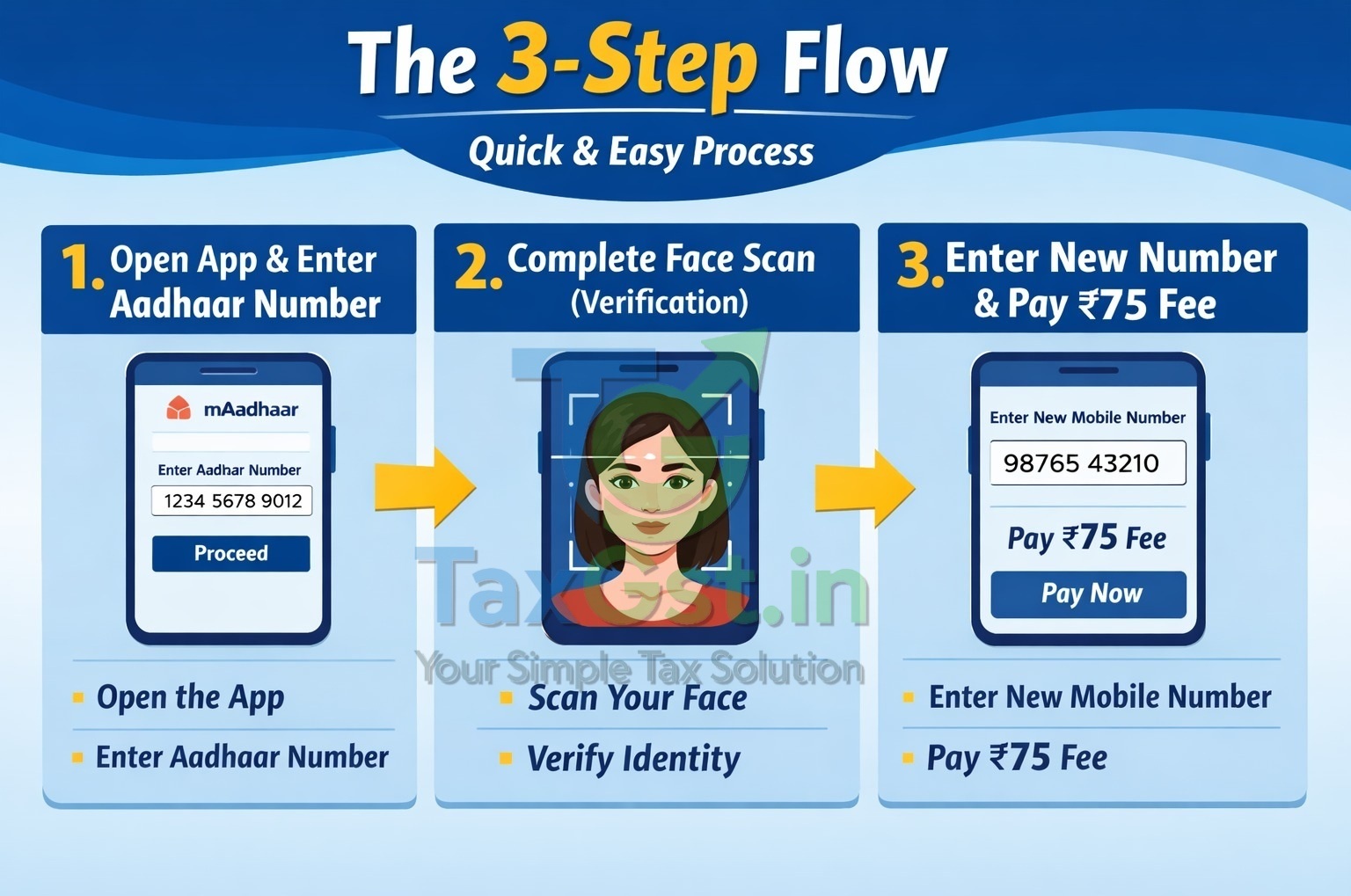
Step-By-Step: How To Update Aadhaar Mobile Number from Home
If You Are Looking for How to Change Mobile Number in Aadhaar from Home, Follow These Simple Steps as Per the Latest Aadhaar Update Guidelines:
- Login: open the App and Enter Your 12-Digit Aadhaar Number.
- Select Service: tap on The ‘online Mobile Update’ icon on The Home Screen.
- Face Authentication: follow the Prompts to Capture Your Face. Ensure You Are in A Well-Lit Area. the App Will Automatically Verify Your Identity.
- Enter New Number: provide the New Mobile Number you Wish to Link.
- Otp Verification: enter the Otp Received on Your New mobile Number to Confirm Ownership.
- Payment: pay the Processing Fee of ₹75 via Upi, Debit Card, or Net Banking.
- Download Receipt: save the Update Request Number (urn) for Tracking.
Aadhaar Mobile Number Update: Old vs. New Method
| Feature | Old Method (physical) | New App Method (online) |
|---|---|---|
| Location | Aadhaar Seva Kendra | Anywhere (home/office) |
| Identity Proof | Fingerprint/iris Scan | Face Authentication |
| Typical Time | 30 – 90 Days | 15 – 30 Days |
| Service Fee | ₹50 | ₹75 |
Interesting Facts About Aadhaar
- World’s Largest: aadhaar Is the World’s Largest Biometric Id System, with Over 1.3 Billion Holders.
- Paperless Kyc: over 70% of Bank Accounts and Sim Cards in India Are Now Verified Using Aadhaar E-Kyc.
- Face Auth: the Face Authentication technology Used in The New App Is Designed to Work Even with Minor Changes in Appearance Due to Aging.
Safety Tips & Fraud Prevention
While the Uidai New Aadhaar App Mobile Update is Secure, Users Should Remain Vigilant. as Per Rbi Kyc Norms and Cyber-Security Advisories:
- Never Share Your Otp: no Uidai Official Will Ever Ask for Your Otp Over a Phone Call.
- Secure Connections: avoid Using Public Wi-Fi (railways/cafes) when Performing an Aadhaar Mobile Number Update Online.
- Check App Authenticity: do Not Download “aadhaar Helper” or “aadhaar Guide” Apps from Third-Party Websites. only Use the Official Stores.
Frequently Asked Questions (FAQs) on Aadhaar Mobile Update 2026
Can I Update My Aadhaar Mobile Number Online without My Old Sim?
What Is the Fee for Updating Aadhaar Mobile Number Using the App?
How Long Does It Take to Update the Mobile Number in Aadhaar Records?
Do I Need to Upload Any Documents for A Mobile Number Change?
Can I Change My Photo or Fingerprints Through the Mobile App?
What Should I Do if The Face Authentication Fails Repeatedly?
Is the Online Update Facility Available for Nr Is?
Disclaimer: this Article Is for Informational Purposes only And Is Based on The Latest Uidai Updates as Of January 2026. While We Strive for Accuracy, Rules and Fees May Change. Readers Are Advised to Verify Details on The Official Uidai Website (uidai.Gov.In) Before Making Any Payments or Sharing Personal Data. Tax Gst.In Is Not Responsible for Any Technical Issues with The Official App or Third-Party Payment Gateways.
Key Things to Remember
- Keep Your Aadhaar Card handy While Using the App.
- Ensure Your Room Has Bright Lighting for A Successful Face Scan.
- Always Track Your Status using the Urn Provided at The End of The Transaction.
- If the App Shows a “technical Error,” Wait for 24 Hours Before Trying Again to Avoid Multiple Fee Deductions.
Trusted Authority References:
- Official Uidai Portal – for The Latest Rules and Service Updates.
- Uidai Faq Section – Detailed Guide on Online Updates.
- My Aadhaar Dashboard – To track your update request status.
Discover more from TaxGst.in
Subscribe to get the latest posts sent to your email.





Stay Updated!
Join our community for latest tax updates, GST news & finance tips